|
|
|||||
|
|
||||||
|
|||||||||
| Quick & Easy |

| We'll start with the opening screen, take you to the payroll input process, and show you sample reports. Then, if you want to go a step further, we'll back up and show you the setup process for both companies and employees. This demo will take only a moment or two, and you can leave it at any time, but you can also dig as deep as you want and check out all the options if you prefer to! |
Here's the process you'll use with Quick & Easy After the Fact Payroll:
| Step #1: | Set up the Companies -- it's easy!! |
| Step #2: |
Add the Employees -- simplified data entry |
| Step #3: | On an ongoing basis, enter employee wages. WE'LL BEGIN THE DEMO HERE |
| Step #4: | Run the reporting function to produce quarterly Form 941 (including Schedules A & B), and annual Forms 940, 943 and 944, plus your state reports. |
| In this demo, you'll be able to navigate from screen to screen by clicking on the tabs on most folders, just as you'll do with the "real" After the Fact Payroll! | |
Ready? Here's the opening screen...
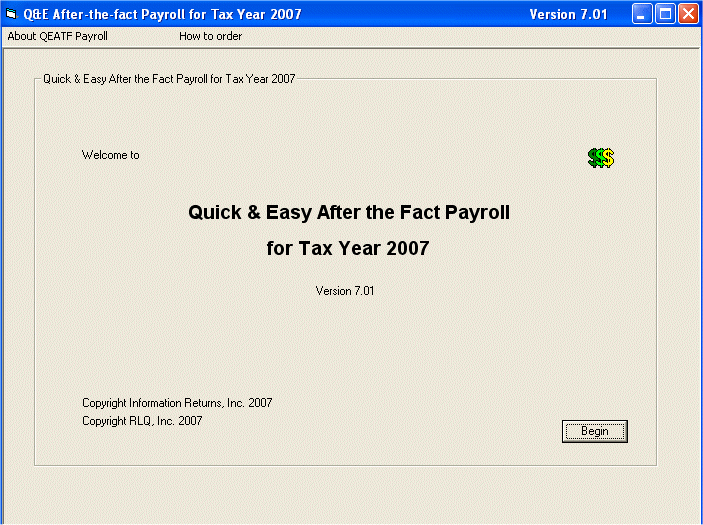
To start the demo, please click on
"Begin"

(Remember, you're in control in this demo and you can stop at any time, go back, or click on a tab for more detail about something that interests you)
|
Click here for our
|
|
|
© 1999 - 2020 Information Returns, Inc.